
01
Copying data between systems
Requests, orders, stock and contacts are copied manually from email to a spreadsheet and from the spreadsheet to accounting.
We find repetitive operations that consume hours every day and cause mistakes, then remove them: connect services, configure scenarios, alerts and execution control. We start with the process that saves the most.
When this needed
Value appears where an operation is frequent, rules are stable and an error costs the client money or time.
01
Requests, orders, stock and contacts are copied manually from email to a spreadsheet and from the spreadsheet to accounting.
02
Every week someone spends a day consolidating tables, and the figures are already outdated by the time they are ready.
03
A task is handed over in chat: it is not visible who owns it, what its status is or why it stopped.
04
Their absence stops the function, and training a new colleague takes weeks.
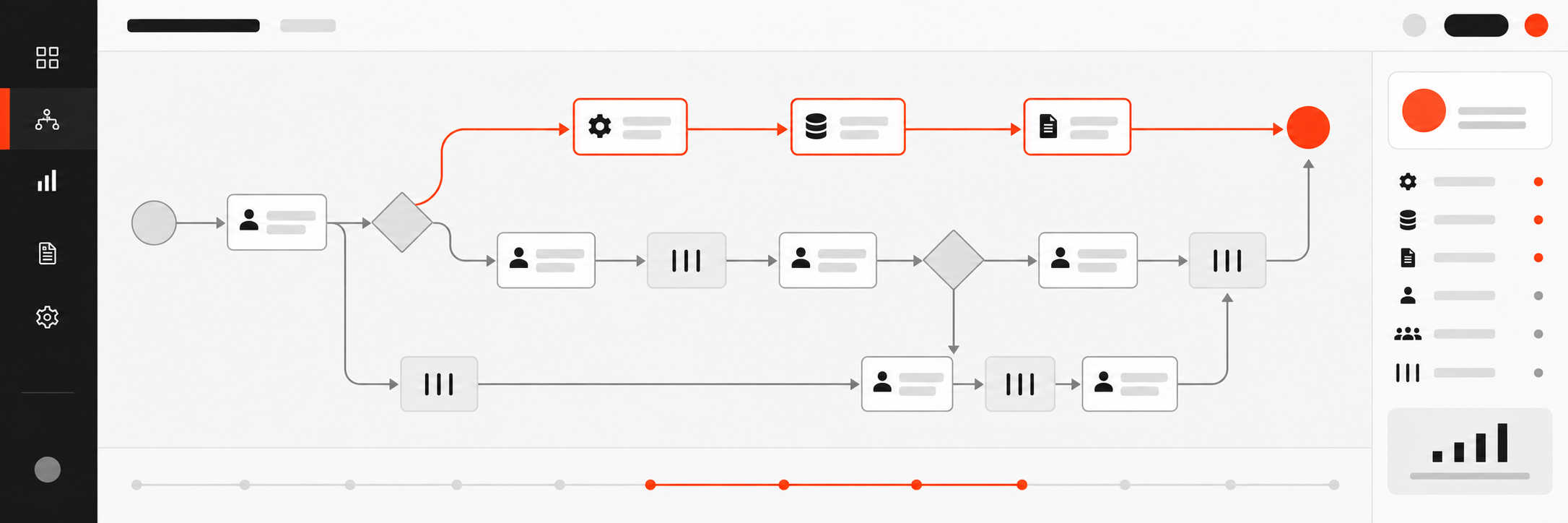
First we describe process as it is. Automated chaos is still chaos, only faster.
Scope of work
01
Map process
Steps, roles, data, exceptions and expectations. We document how everything really works, not how it is supposed to work according to procedures.
02
Benefit assessment
How many hours and errors the process costs now, what automation will deliver and how quickly it will pay back. The task queue is built from this assessment.
03
Tool selection
Existing services, connectors or custom development. We choose by support cost and limitations, not by tool popularity.
04
Scenarios and connections
Data transfer between systems, automatic statuses, notifications, assignment of owners and standard documents.
05
Control and reportg
An operations log, explained errors and an execution report: it is visible where the process slows down and who is affected.
06
Launch and training
Instructions, a team meeting, an observation period and adjustments based on real situations in the first weeks.
Boundaries: automation does not replace management. If a process has no owner or its rules change weekly, the first need is a management decision, not a scenario.
Logic
We calculate savings in hours and errors, not as a percentage of “efficiency growth”. If a process is performed rarely, we will say that automation will not pay back.
01
meeting 30 minutes
which processes hurt, how many people are involved and which systems are already used.
02
Map and priorities
Document: how the process works now, where losses occur, which step we automate first and what it will deliver.
03
Configuration and test
Scenarios on test data, exception testing and failure behaviour, agreed with the team.
04
Launch and handover
Instructions, training, observation during the first weeks and documentation of adjustments.
Cost
Subscriptions to automation services are paid separately to their providers.
Map process and prioritiesOne-off
from $1 500
A document that lets you automate independently or with any contractor.
ImplementationBy project
Custom scope
Typical projects start at $4,000. The exact budget is determined after mapping the processes.
Questions
With one process that is performed most often and has the highest error cost. Automating “everything at once” usually ends with a system nobody uses.
First we check whether an existing tool or connector solves the challenge — it is cheaper to support. We propose custom development only when available solutions do not cover the logic or limit scaling.
A description of how the process really works, system access and one responsible person on your side. Without this, automation reinforces an imaginary process, not a real one.
No. First we fix steps, roles and exceptions — that is part of the work. Automated chaos is still chaos, only faster.
in hours of manual work, number of errors and delays. We assess the benefit before launch and verify it afterwards using actual data, not promised percentages.
your team with documentation, or us by separate agreement: monitoring, scenario changes and adaptation to new requirements.
Start
A 30-minute online meeting with the founder. We will review what repeats daily and say what to automate first and what is not worth automating. We will send a written summary.